

Creo Parametric 3D CAD/CAM Solution
Product design software
for engineering teams in modern industry
Creo Parametric is parametric 3D CAD software for product and mechanical design, assemblies, 2D drawings, MBD, simulation, and manufacturing workflows. It helps engineering teams design, validate, and prepare manufacturing data in a structured way.
Creo Parametric for precise, reliable design
Creo Parametric helps engineering teams clearly control design intent. When model dimensions or conditions change, related information can update throughout the design process. It is suitable for organizations looking to reduce errors, improve working standards, and connect CAD data to real-world manufacturing.
- Supports 3D part design, assemblies, and 2D drawings
- Suitable for mechanical design, product design, and large assemblies
- Extend to MBD, simulation, manufacturing, and CAM workflows
- Suitable for Engineering, R&D, Mold, Tooling, and Manufacturing teams
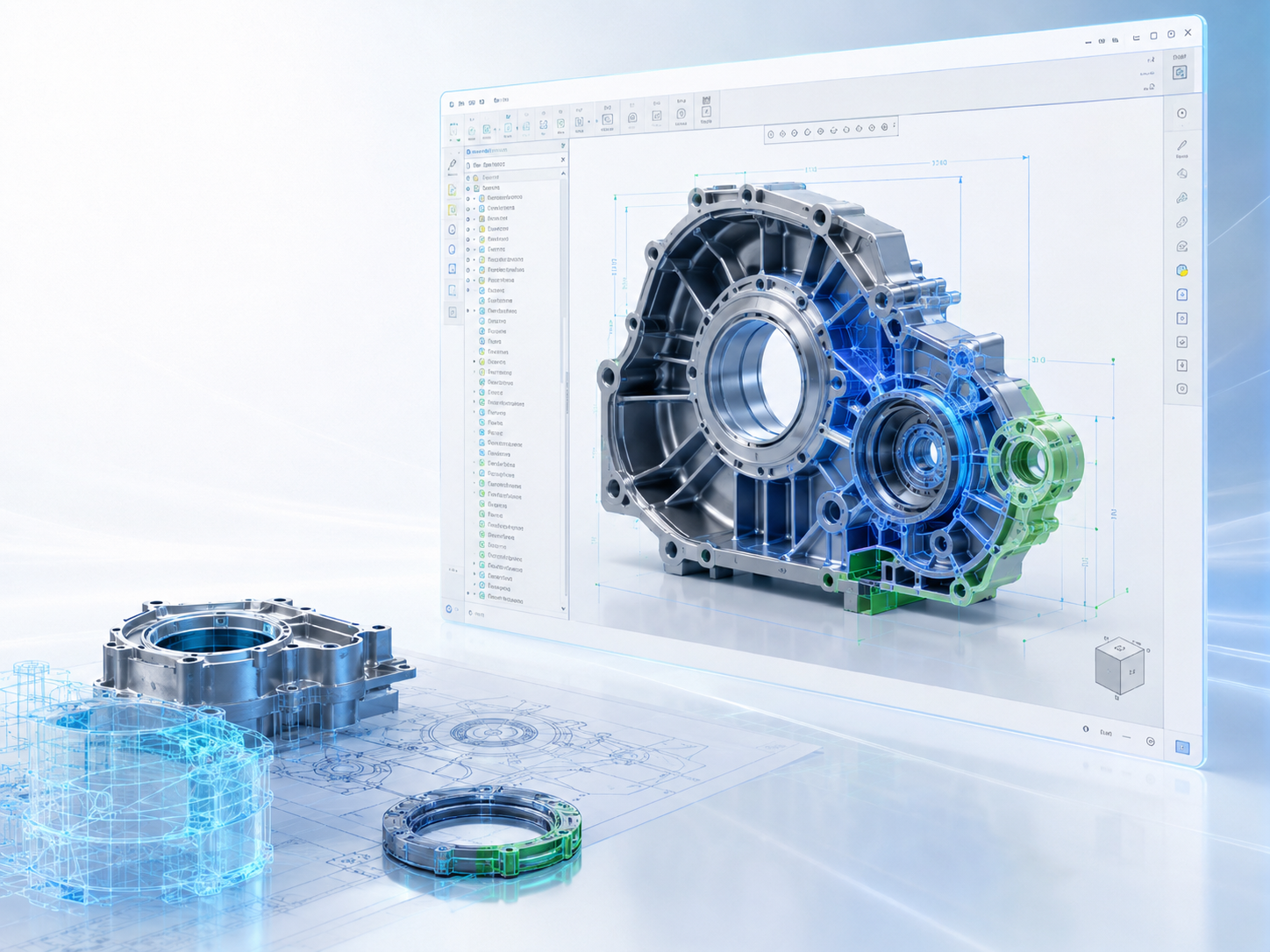
Core Creo capabilities for product development
Essential product design tools, from 3D modeling and assembly design to drawings, analysis, and manufacturing data preparation.
3D CAD Modeling
Create parametric 3D models with a structured approach to editing and controlling part relationships.
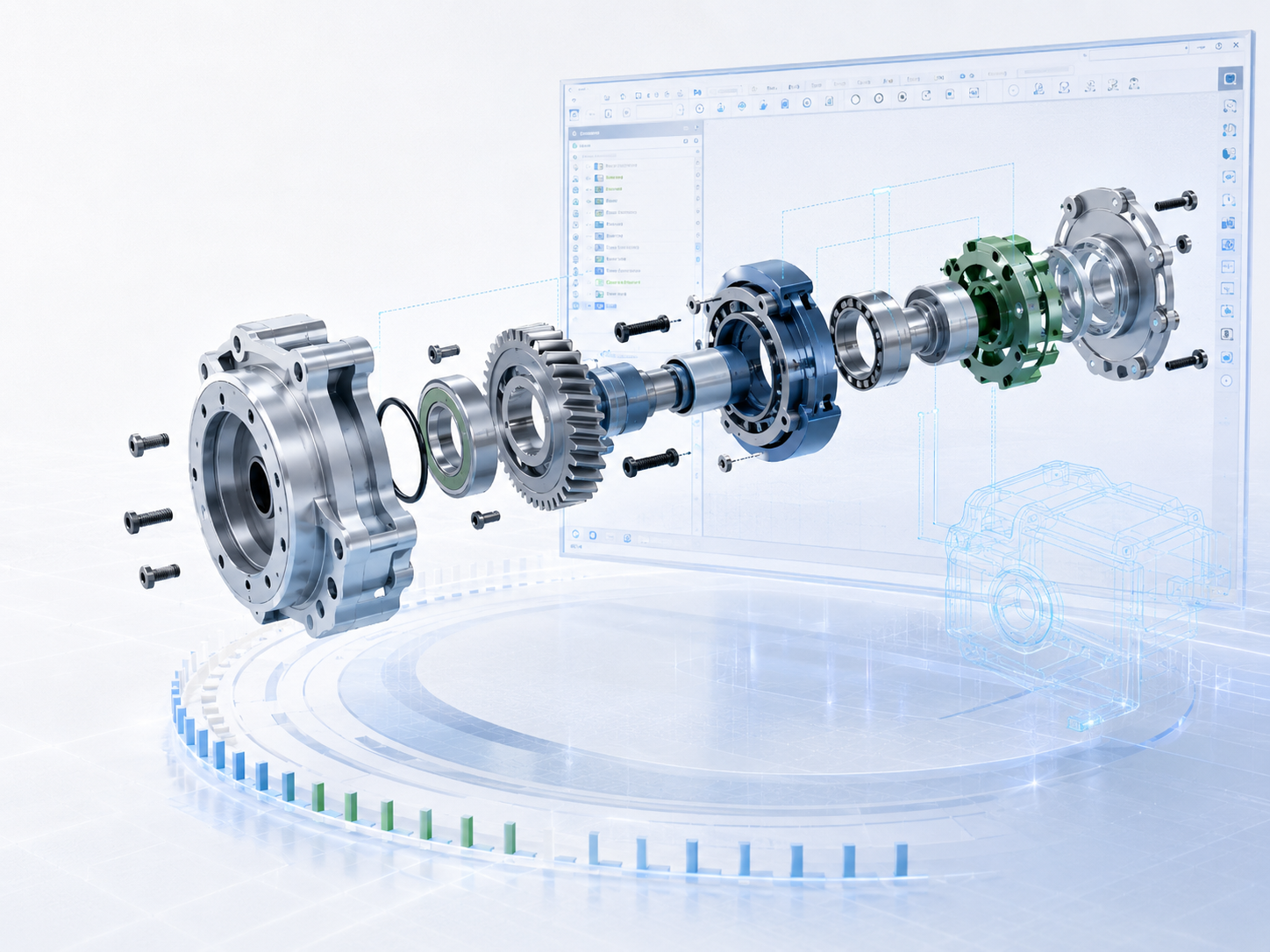
Assembly Design
Supports complex assemblies and part structures for mechanical design and engineering teams.

Drawing & MBD
Create 2D drawings, GD&T, and manufacturing information on 3D models for clearer communication with production teams.
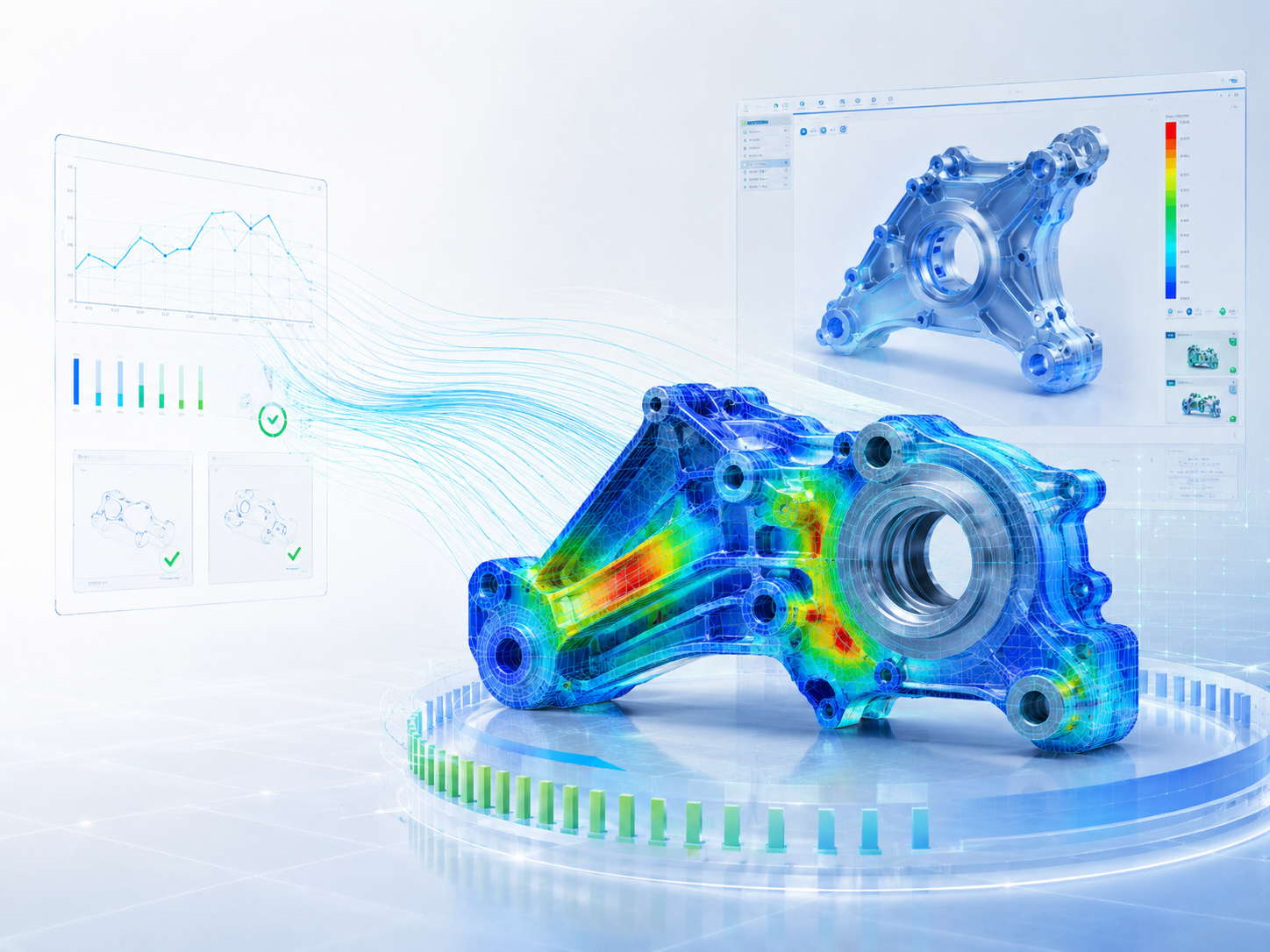
Simulation Analysis
Analyze strength, stress, and potential issues before production to reduce testing and revision cycles.
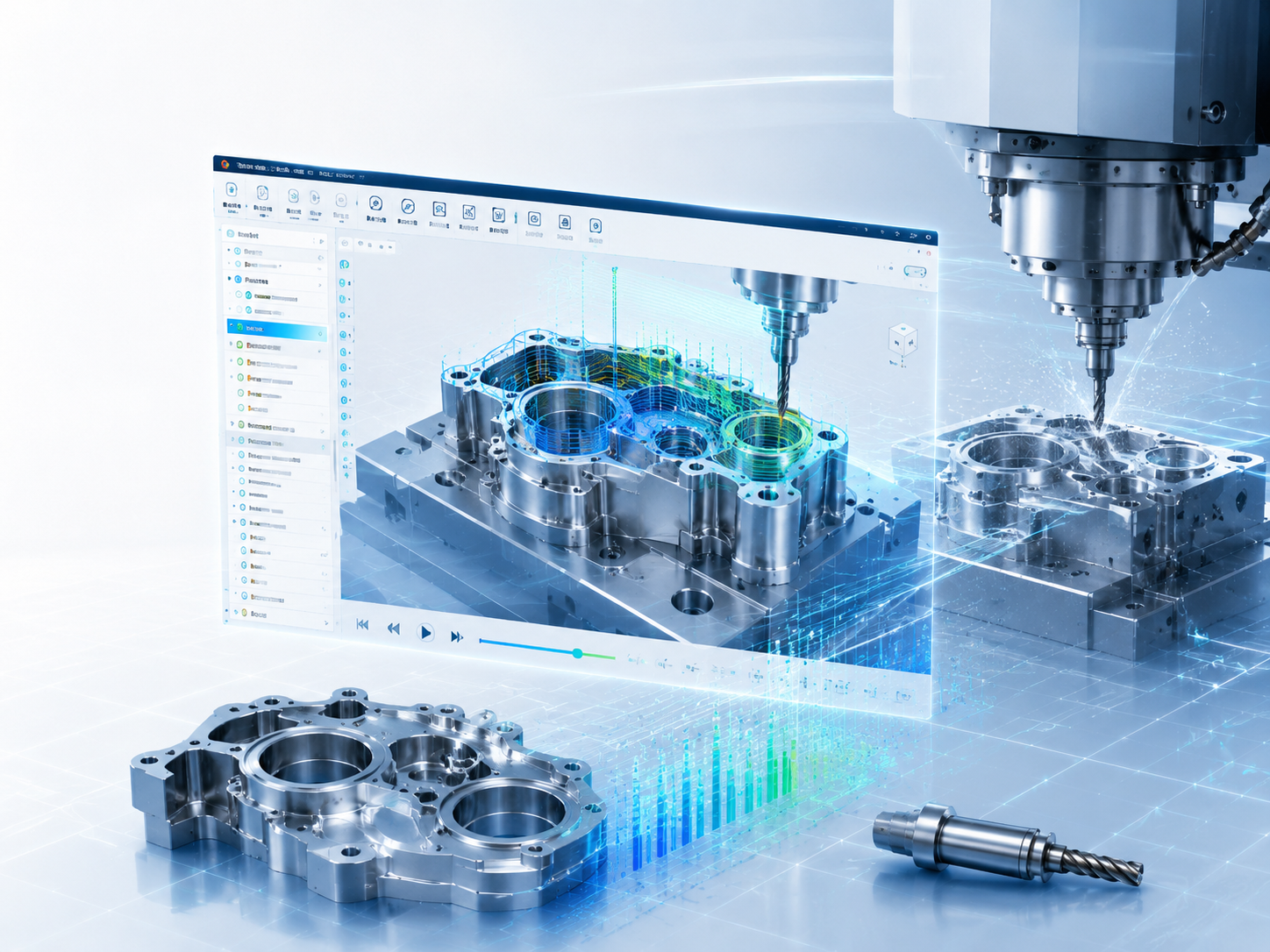
Manufacturing / CAM
Connect CAD data to manufacturing preparation, toolpaths, milling, and manufacturing workflows.
Design, analyze, and manufacture in one workflow
This page shows customers how Creo goes beyond drafting software to provide an end-to-end product development platform.
Manage assemblies and mechanical parts systematically
Creo helps design teams accurately manage large numbers of parts, relationships between components, and assembly structures. It is suitable for mechanical design, system design, and products made up of multiple components.
- Supports small to large assemblies
- Helps control relationships between components
- Suitable for product development and mechanical design
Communicate manufacturing information with drawings and Model-Based Definition
Create 2D drawings, dimensions, GD&T, and the engineering information production teams need. Extend to MBD to present information clearly on 3D models and reduce discrepancies.
- Create engineering documentation from 3D models
- Supports GD&T information and annotations
- Helps reduce errors between design and manufacturing
Validate concepts before manufacturing with simulation
Reduce design risks by analyzing strength, stress, and component behavior. Help teams make faster decisions, reduce physical testing, and build confidence before manufacturing.
- Helps identify potential problem areas in components
- Suitable for product validation
- Reduce revision cycles and physical testing costs
Extend CAD design to real-world manufacturing
Connect design with manufacturing workflows such as milling, CAM, toolpaths, and manufacturing data preparation. Suitable for teams seeking closer continuity between design data and production.
- Supports a CAD-to-manufacturing approach
- Helps prepare data for CNC machining and milling
- Suitable for factories, mold making, and component manufacturing
Explore Creo Parametric capabilities
This video provides an accessible overview of Creo Parametric for customers who want to see practical applications before choosing CAD/CAM software for their engineering team or organization.
A workflow from concept to manufacturing
Creo connects the engineering workflow, from initial design and design validation to data preparation for real-world manufacturing.
Concept & 3D Modeling
Start with parametric 3D models to control design intent and make changes quickly.
Assembly & Drawing
Assemble components and create 2D drawings and manufacturing information for engineering and production teams.
Simulation & Validation
Check strength and design concepts before production to reduce risks and revision costs.
Manufacturing Ready
Prepare data for CAM, milling, toolpaths, and real-world factory manufacturing.
Choose Creo to fit your team and work
Whether you are an individual user, a small engineering team, or an organization expanding its systems, our team can recommend packages, training, and support to suit your workflow.
Creo for Solo Designers
Suitable for individual users or new teams that need professional CAD software.
- 3D Part Design
- Basic Assembly
- 2D Drawing
- Parametric Modeling Workflow
Creo for Engineering Teams
Suitable for engineering teams that need to collaborate on more complex assemblies and workflows.
- Supports team-based design
- Assemblies, drawings, and documentation
- Extend to simulation and MBD, depending on the package
- Suitable for organizations that need training and support
Creo for Manufacturing Teams
Suitable for organizations looking to connect design with real-world production, including CAM, mold making, tooling, and manufacturing.
- CAD to Manufacturing Workflow
- Simulation / Validation
- Manufacturing and CAM workflows
- Plan comprehensive training for your team
Frequently asked questions about Creo Parametric
It is suitable for product design, mechanical parts, assemblies, 2D drawings, simulation, and workflows that connect CAD data with real-world manufacturing.
Creo uses parametric modeling to control model relationships. When dimensions or conditions change, related information can update systematically.
Support depends on the package selected. You can extend to simulation, analysis, MBD, manufacturing, and CAM workflows for more comprehensive validation and manufacturing preparation.
Start by assessing the type of work, number of users, assembly complexity, and training needs, then choose a Creo package that suits the team’s workflow.