
Creo CAD/CAM Training For Engineering Applications
Build your Creo skills from 3D CAD to manufacturing
Training in Creo Parametric and Creo CAD/CAM for engineers, design teams and manufacturing teams. Cover 3D modeling, assemblies, engineering drawings and advanced design through Creo CAM for CNC milling, with an emphasis on workflows and practical applications.
Learn Creo workflows, beyond individual commands
Using Creo effectively takes more than knowing the commands. It also requires an understanding of Design Intent, Reference Management, Assembly Structure and how to prepare data for drawings, manufacturing and CAM. NEXCAD courses help learners understand the workflow from the beginning through to production.
Five Creo CAD/CAM courses for engineering applications
Choose a learning path based on your experience and work, from 3D CAD fundamentals to advanced design and CNC manufacturing.
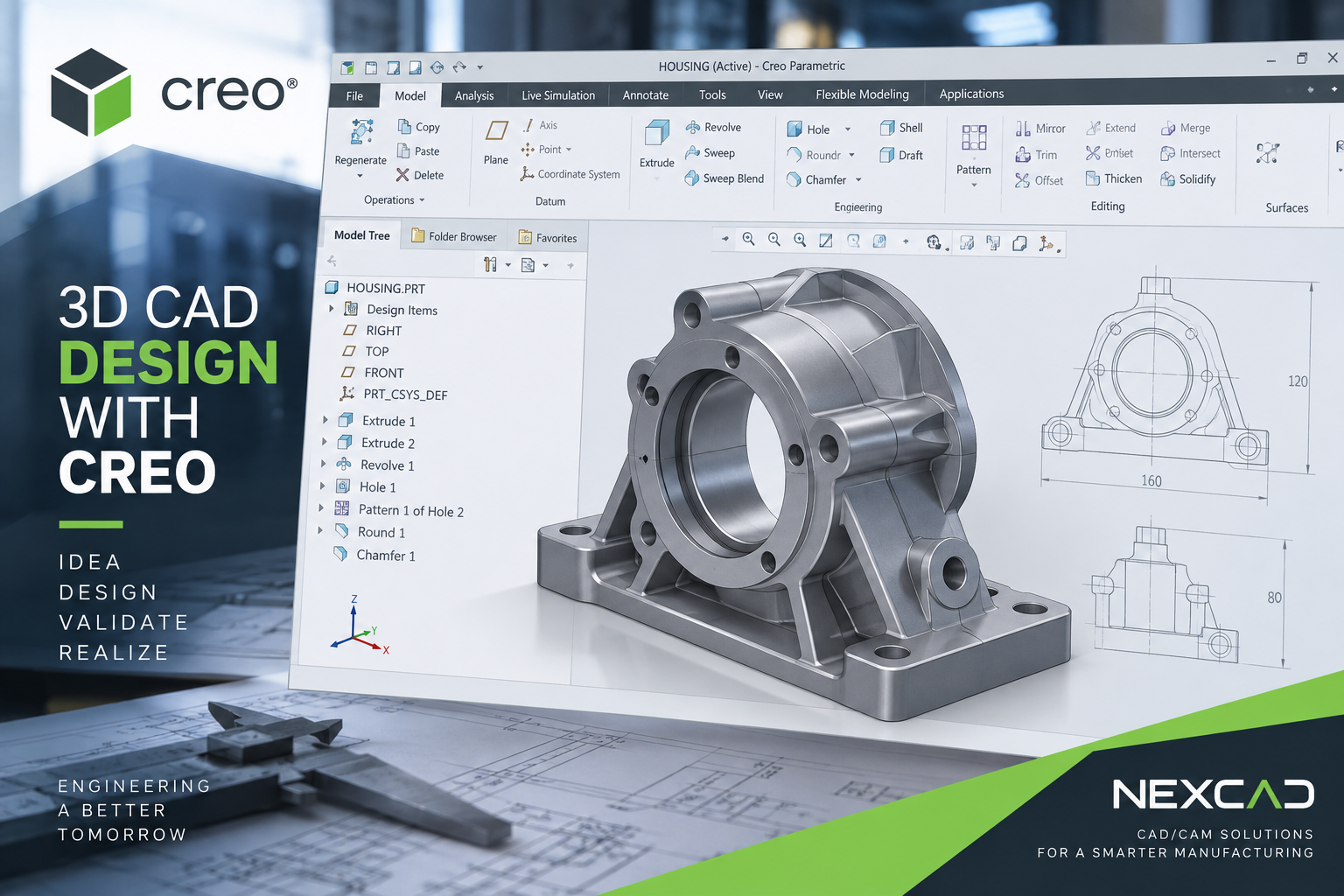
Creo Parametric Essentials
3D CAD Fundamentals
Learn Creo fundamentals, including sketches, features and part modeling, while building an understanding of parametric design and design intent for engineering work.
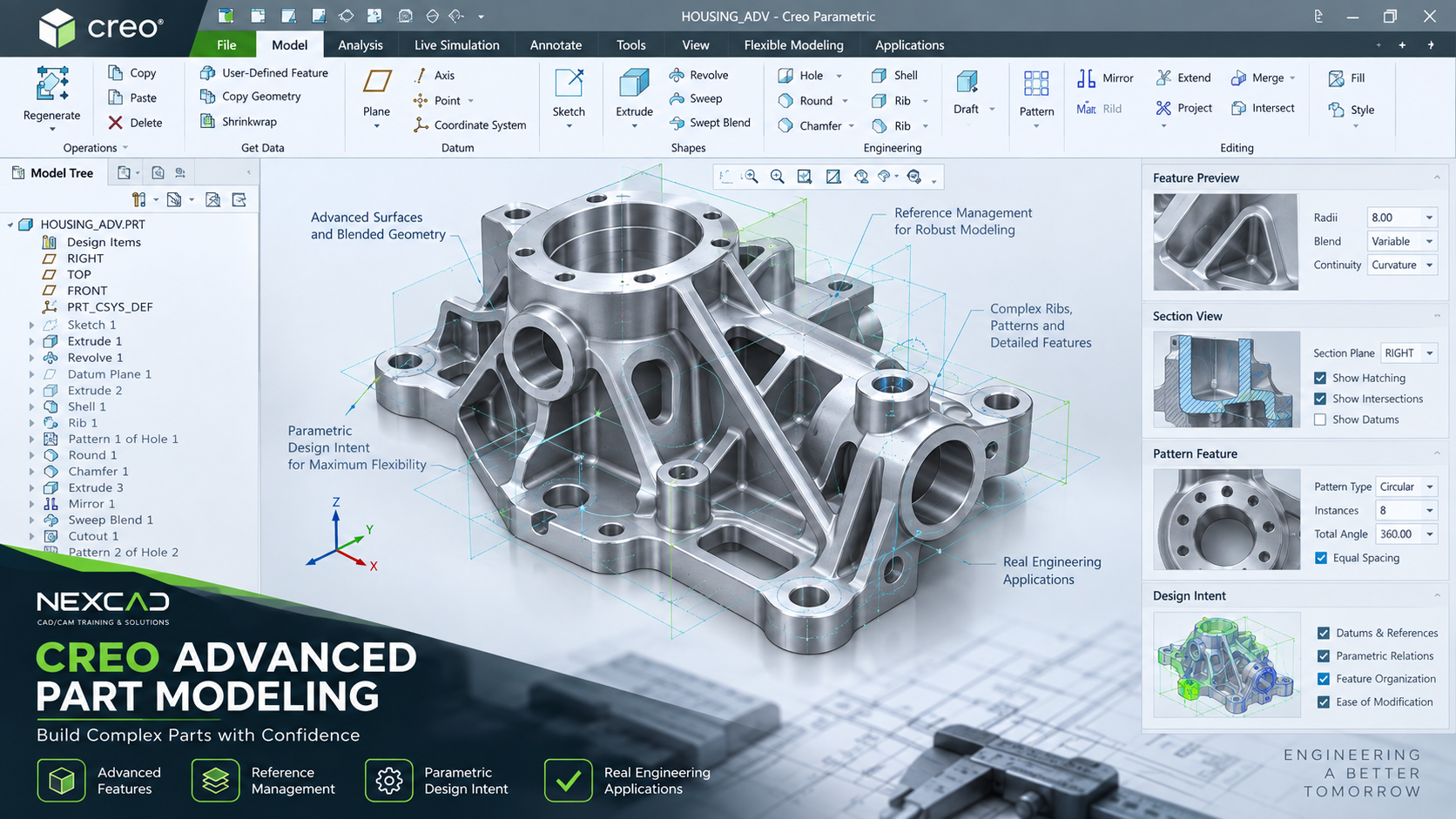
Creo Advanced Part Modeling
Advanced Modeling & Design Intent
Develop complex parts with advanced features, reference management and patterns, and learn techniques for structuring models to make revisions easier.
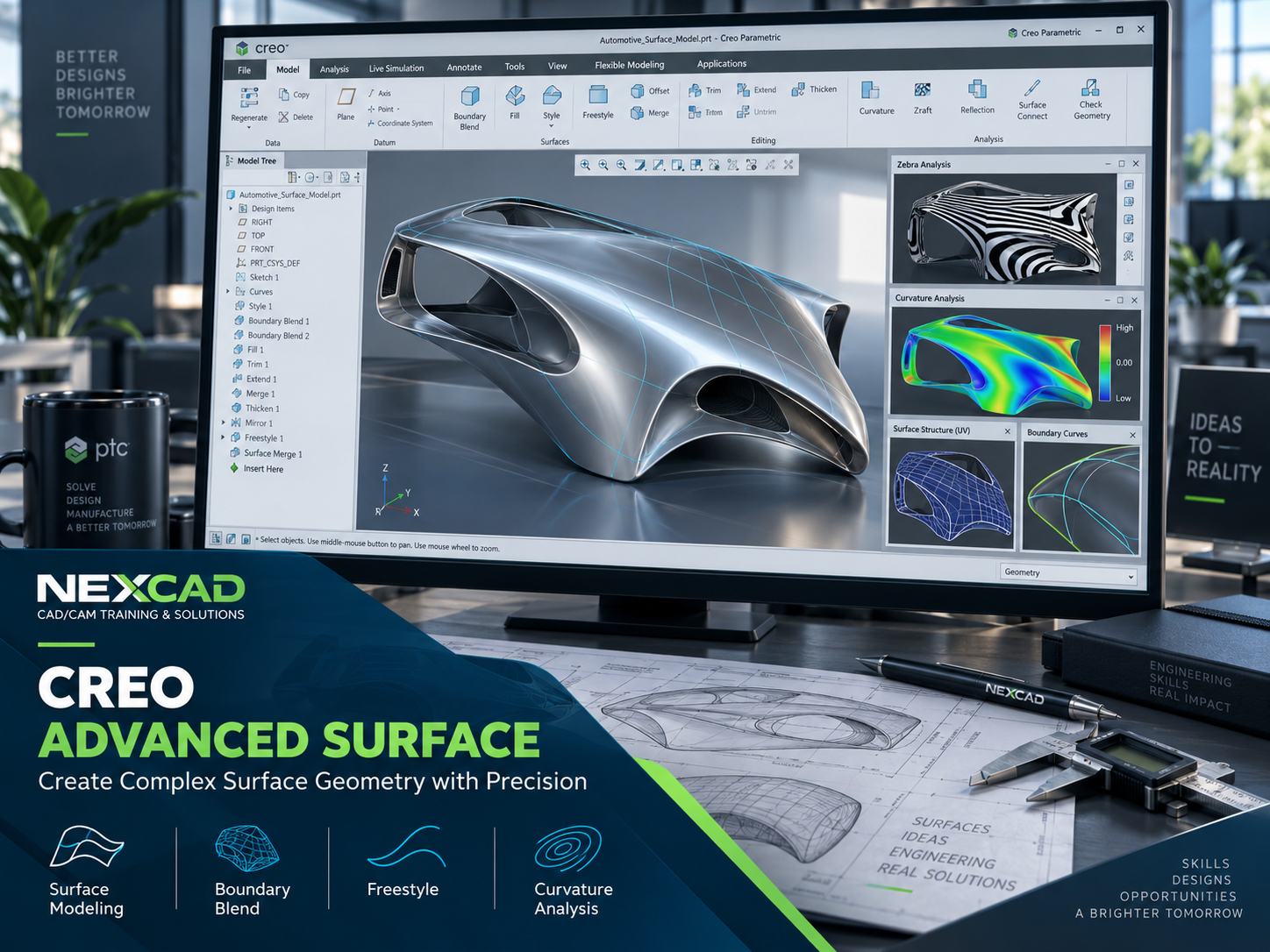
Creo Advanced Surface
Advanced Surface Modeling
Learn to create complex surfaces with Boundary Blend, Freestyle and surface editing, and evaluate surface quality for advanced design work.
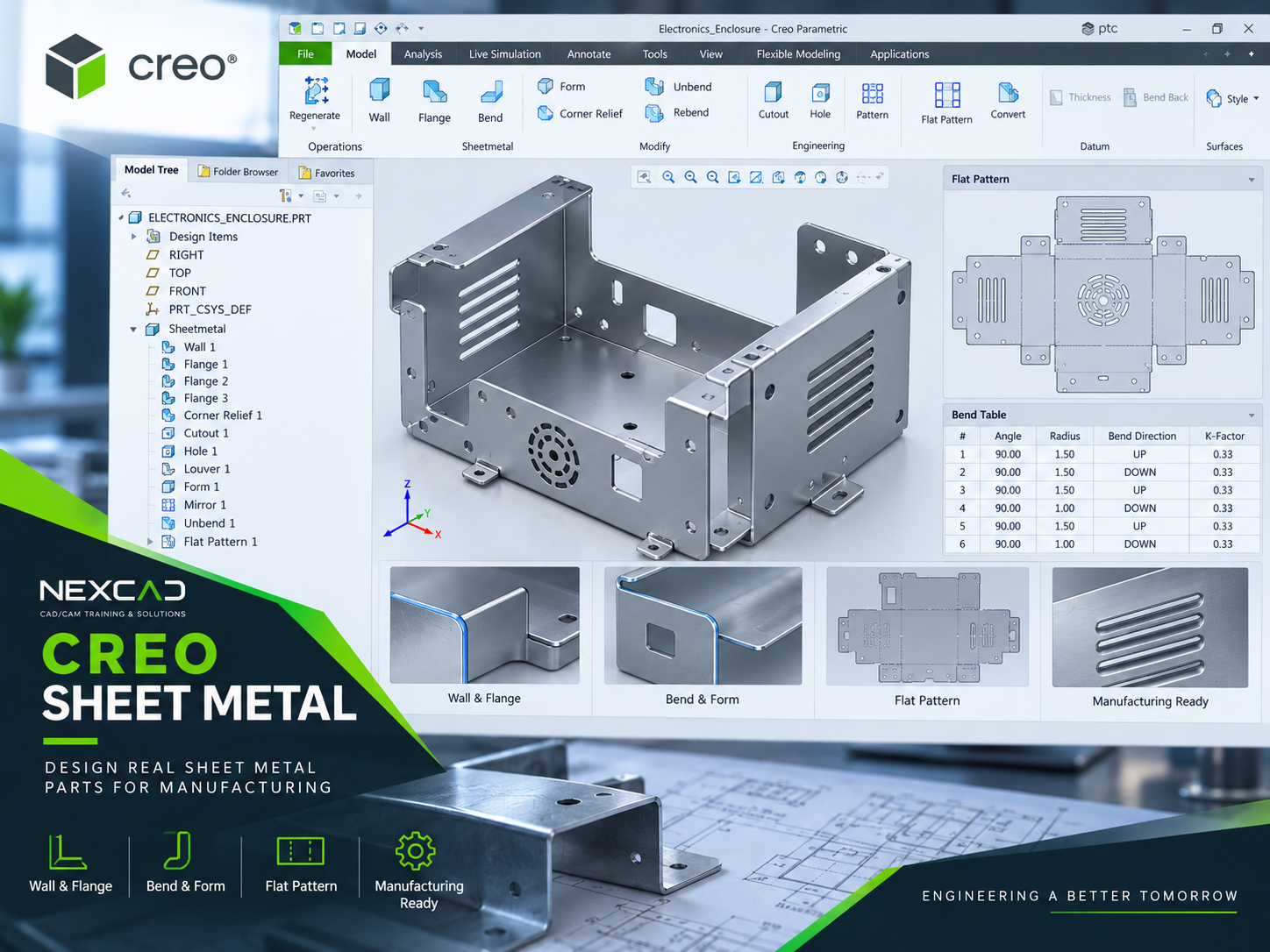
Creo Sheet Metal
Sheet Metal Design & Flat Pattern
Learn sheet metal design, from walls, flanges, bends and forms to flat patterns for manufacturing preparation.
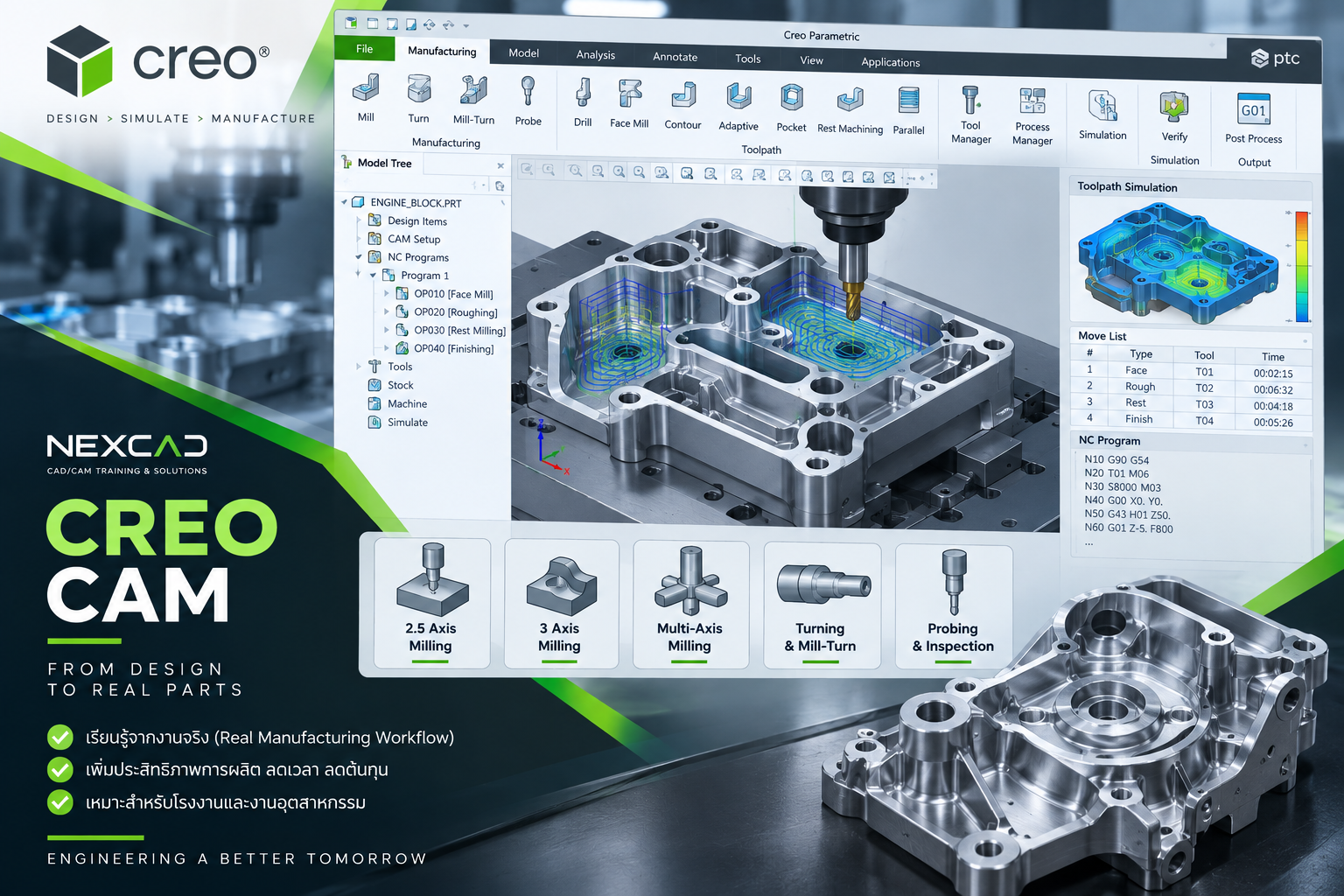
Creo CAM – CNC Milling
CAD to CAM & CNC Manufacturing
Learn manufacturing setup, cutting tools, milling sequences, toolpaths and simulation to connect CAD data with CNC manufacturing.
From CAD fundamentals to manufacturing workflows
Build skills step by step around your work so you can develop your Creo capabilities systematically.
Build the Foundation
Start with sketches, part modeling and parametric design to build a sound foundation in Creo.
Engineering Workflow
Progress to assemblies, drawings and engineering data management.
Advanced Design
Develop advanced modeling, surfacing and sheet metal skills.
CAD to Manufacturing
Connect CAD data with CAM, toolpaths and CNC manufacturing.
Learn to apply Creo in real work
Courses develop an understanding of tools, modeling principles and workflows so learners can apply Creo effectively to practical work.
- Focus on engineering workflows, beyond memorizing commands
- Workshops based on engineering design tasks
- Help establish consistent working practices within your team
- Support design, engineering and manufacturing teams
- Progress from CAD to CAM and CNC
Engineering Focus
Content focused on product design and practical engineering work
Hands-on Training
Learn through hands-on exercises and practical examples
Corporate Training
Training designed around learners’ experience and your organization’s workflows
CAD to Manufacturing
Connect processes from design through to CNC
Need Creo training for your company’s engineering team?
Training topics can be planned around learners’ experience, product types and your organization’s actual workflows to make the training time relevant to your needs.
Creo Training Questions
Yes. We recommend starting with Creo Parametric Essentials to learn sketches, features, part modeling and parametric design before moving on to advanced courses.
Beginners should start with Creo Parametric Essentials. Learners with experience can choose Advanced Part Modeling, Advanced Surface, Sheet Metal or CAM Milling based on their work.
Yes. Creo CAM – CNC Milling covers manufacturing setup, cutting tools, milling sequences, toolpaths and simulation to prepare data for CNC processes.
The course scope can be planned around the number of learners, experience levels, work types and topics your organization wants to focus on.
Build Creo skills for practical engineering work
Tell us about the learners’ experience, number of participants and the work they do. NEXCAD will help recommend a learning path and training format that fit your team.